How to Build a Community Content Calendar That Keeps People Coming Back
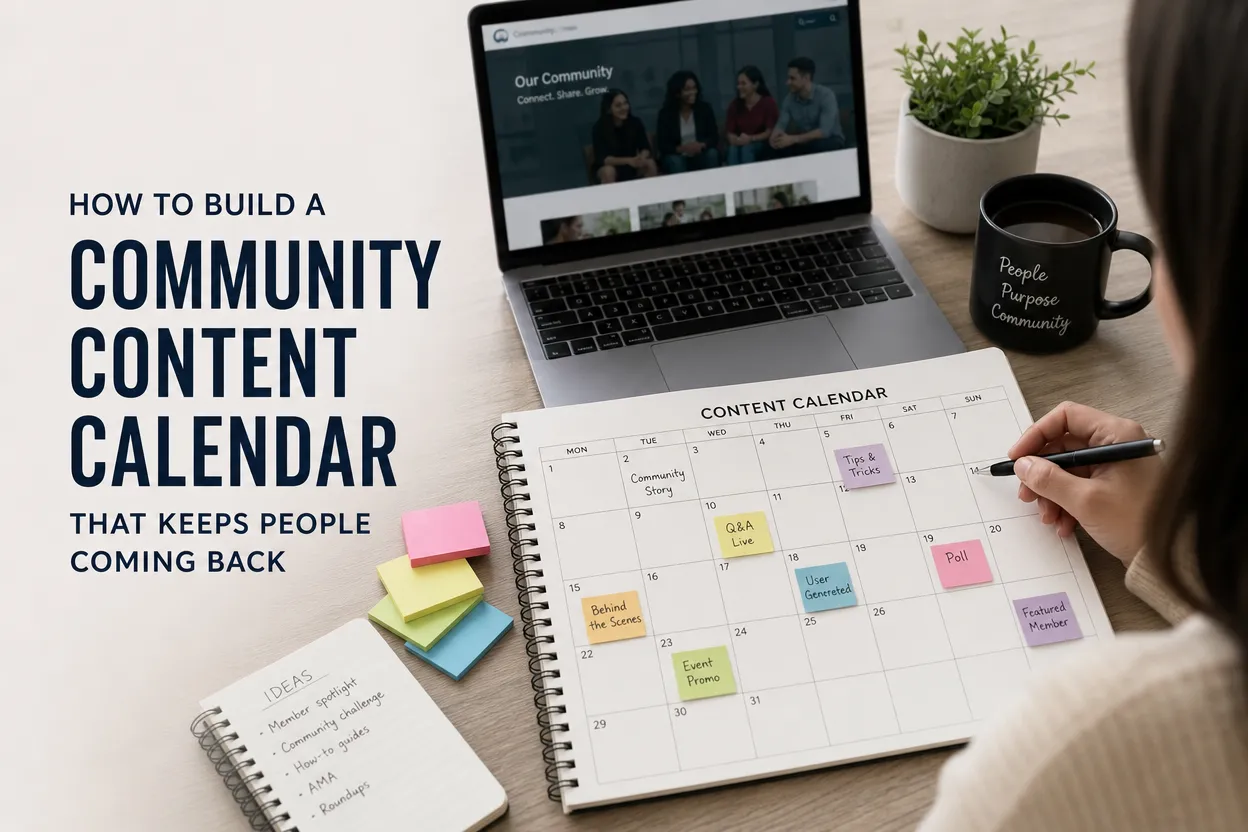
When your users don’t know what’s happening or when, engagement turns into random spikes. There’s a launch week here and a bug complaint there, separated by a vast sea of silence. A community content calendar fixes that by turning your updates and conversations into a predictable loop.
If you’re thinking, “Sure, but keeping it all healthy is its own job,” you’re right. That’s why you should enter the moderation and engagement playbook early, while your cadence is still easy to steer.
Below is a practical way to build a calendar that fits real developer constraints like sprints and releases, while creating reasons for people to return.
1. Start with one sentence
Before you schedule anything, define the core promise of your community in a single sentence, with something users value.
Do people come to your community to learn faster ways to do something on Android, or to get early access and influence the roadmap? How about sharing setups, workflows, and templates?
Whatever you choose, this one sentence becomes your filter. If a post doesn’t reinforce the promise, it’s just a fast way to train people to stop paying attention.
2. Pick your home base
Android communities often fracture because the app team tries to be everywhere. Instead, pick one primary hub and treat everything else as distribution. Common home bases include:
· Discord (fast feedback, high intimacy, higher moderation cost)
· Reddit (discoverability, culture-driven, slower feedback loops)
· GitHub Discussions (best for dev tools / SDKs, feature requests, transparency)
· In-app community space (harder to build, but best for retention once it works)
Then choose 1–3 satellites that match your audience and bandwidth, like a monthly email, developer blog, short-form social, or lightweight forum.
If you’re unsure where your users already spend time, it helps to look at platform reach and demographics. Pew’s regularly updated charts are useful as a barometer for platform usage trends.
Source: Pew Research
3. Build content pillars tied to the product
A community content calendar works when it maps to real user needs, covering onboarding, mastery, and troubleshooting to create a sense of belonging. For this, create 4–6 repeatable “pillars” you can rotate through. Here’s a set that works well for most Android apps:
· Quick wins: 30–60 second tips, shortcuts, hidden settings, “did you know?” clips
· Use-case stories: “How I use this app to…” featuring a user workflow (with permission)
· Build-in-public moments: what you’re experimenting with, what changed, what’s next
· Support-to-content: turn common issues into FAQ posts and “known fixes” threads
· Challenges and prompts: weekly mini-challenges that nudge repeat usage
· Recognition: spotlight contributors, helpers, beta testers, translators, theme creators
These pillars reduce planning fatigue because you’re rotating dependable formats instead of inventing new content each time.
4. Choose a cadence you can actually sustain
A calendar that collapses during crunch time teaches users that your community is unreliable, so aim for minimum viable consistency. A solid starting point for small teams is around 2 posts/week to your home base, a single short-form micro post on a satellite, and a monthly state of the app update.
Aside from this, build an evergreen bank of 10–20 posts like FAQs, top tips, onboarding clips, and best-of community threads that you can publish on autopilot during busy weeks.
5. Turn releases into arcs
All Android developers ship updates, but your calendar’s job is to turn shipping into a story your users can follow. To do this, run a three-part arc with a before, during, and after, instead of just one changelog post.
The “before” talks about what you’re trying to solve, inviting edge cases and opinions from customers. The “during” or Beta thread phase presents structured feedback prompts and known issues. Finally, the “after” phase covers what changed thanks to your community, closes the loop, and credits your users.
This builds the habit of checking back, because the community sees their fingerprints on the product.
If your audience includes developers, consider borrowing norms from dev communities, with clear threads and visible follow-ups. Stack Overflow’s annual survey is a useful reminder of how strongly developers value knowledge-sharing communities and participation mechanics.
Source: Stack Overflow
6. Distribute in a way that doesn’t feel spammy
Once your home base has a steady cadence, your satellites should serve to bring the right people back to the hub. Tactics that work without feeling too much like shameless plugging include:
· Posting a short teaser and letting a discussion develop in the hub
· Sharing a single screenshot or clip with a link to the deeper thread
· Running monthly recaps: “3 best workflows shared this month”
This is also where community activity can boost your mobile app’s visibility indirectly. More engaged users tend to leave better feedback, participate in betas, and generate the kind of social proof that improves conversion when new people discover your listing.
7. Make it easy to showcase real user value
Don’t just talk about features, but build recurring moments that promote your app through outcomes. These include things like before/after workflows, user setups, templates, progress screenshots, or time saved.
One way to do this is to collect examples with a clear prompt, asking users to share their home screen setups or project boards and curating the best few into a monthly highlight. As long as you credit the contributors properly, this is a way to create a living demo library made directly by your users.