What is the power supply wattage for a gaming PC?
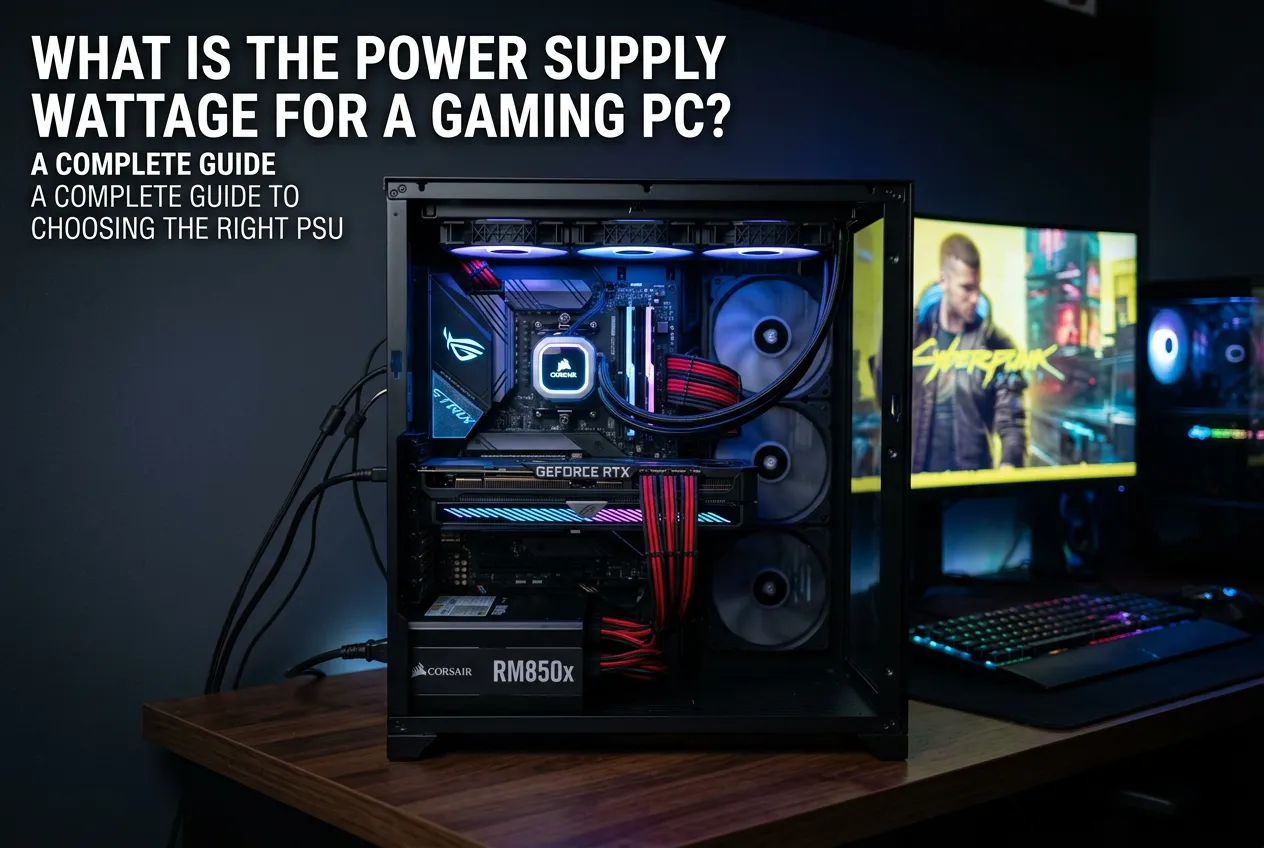
The right power supply wattage for a gaming PC defines how effectively it will work and how stable perform PC components to support every game type. For a gaming PC, the PSU power depends on the GPU and CPU (core gaming rig components) power requirements. You then add these figures to the PSU calculator and estimate how much power the PSU must provide to ensure these components run stably.
In 2026, a current-generation gaming setup usually requires ~650–850 W, while high-end builds with top-of-the-line GPUs – 1000 W or more. But not only watts are important to consider. The power reserve for peak loads is another vital indicator, so the PSU works stably and doesn't overload.
How much power does a gaming computer need?
For ordinary gaming builds, 500 W is usually enough. For high-performance games – at least 700 W will be necessary. Complex game workstations and streaming systems with a combination of a high-end CPU and GPUs require a PSU between 850 W and 1000 W. An ultra-professional PC for streaming may require 1200 W or even higher. Here, it all depends on the load that the system gets under heavy and simple gaming sessions.
In real scenarios, gaming system power consumption can reach 400 W. But even though short power peaks can go much higher when you run your system at maximum. Therefore, the minimum option for a modern PC is 650-750 W, and the optimal power rating would be 850 W and above.
Which components consume the most power in a gaming system?
In modern gaming systems, the two biggest energy consumers are the GPU and the CPU. It’s because they support the graphics and quick reactions within the game.
Top-of-the-line GPUs consume between 450 W and 630 W at peak loads. Multi-core processors add approximately 100 W to 200 W to the total gaming PC power consumption. High CPU load is observed during video streaming, rendering, or running multiple applications simultaneously.
Other PC components consume much less energy when compared to the GPU and the CPU:
- motherboard,
- RAM,
- storage devices (SSD or HDD),
- cooling system,
- peripheral devices.
How does the choice of GPU and CPU affect power supply requirements?
Since the GPU and CPU are the core gaming PC components, they set requirements for choosing the power supply. They consume the most energy in the system and can create peak loads above baseline consumption. Therefore, the PSU must have sufficient power reserves and appropriate power connectors for modern GPUs as well. Insufficient power supply can cause system instability, reboots, and component damage.
Efficiency (80 PLUS® rating) when choosing a power supply
80 PLUS® certification shows how much of the energy consumed actually goes to the system components and how much is lost as heat. The higher certification level – the better efficiency for your power supply and better PC performance. For modern gaming and high-end PCs, it is recommended to choose a PSU marked with 80 PLUS® Platinum and Titanium.
How do you calculate the correct power supply wattage for your build?
First, you enter data about your hardware – CPU, GPU, storage devices, fans, etc. Next, it calculates the approximate maximum power consumption of all PC components, taking peak loads into account. At the end, a margin is added to this calculated value for safe and reliable system operation, and often for future expansion possibilities.
Seasonic’s power supply calculator for game PC guides you step-by-step, so you can use it the correct way. The calculator includes a regularly updated components database so that you can find yours and calculate the required power.
What happens if your power supply is too weak or too powerful?
Power supply power consumption must always match the power needs of each PC component. When you choose a too weak PSU, it may cause reboots, crashes, instability, or even system damage during peak loads. Because it can’t consistently supply the GPU, CPU, and other components with the power they need.
And the reverse situation – when you choose a too powerful PSU, it’s also not a good idea. Yes, there are no serious problems, but it will be more expensive, slightly larger, and less efficient at low loads, because most of the energy is not used optimally.
To find this perfect balance, we advise choosing a PSU with an extra power reserve of 20–30% of the system's actual consumption.
How will future updates affect power supply wattage calculations?
Sure, future updates affect the power supply wattage calculation. Whether it's overclocking or replacing some components with more powerful ones will increase the power needs of the power supply. That’s why, if you plan this and know beforehand how exactly you’ll update your gaming system – recalculate the total consumption of PC components. Take into account peaks, and leave a reserve of 20–30%, so a power supply will be capable to withstand with the highest system loads.
Conclusion
PSU wattage for game sessions and streaming is very important when choosing the optimal power supply, as this factor directly affects the overall PC productivity and longevity of its components. High-productivity gaming workstations usually include expensive parts. Therefore, protecting your investment will mean that you will need a reliable power supply with the correct power rating. To know how much power exactly your PC build need – use the Seasonic PC power supply calculator to choose a perfect power supply that fits you best.