Virtual Training for Safety: A Simple Remote Workflow
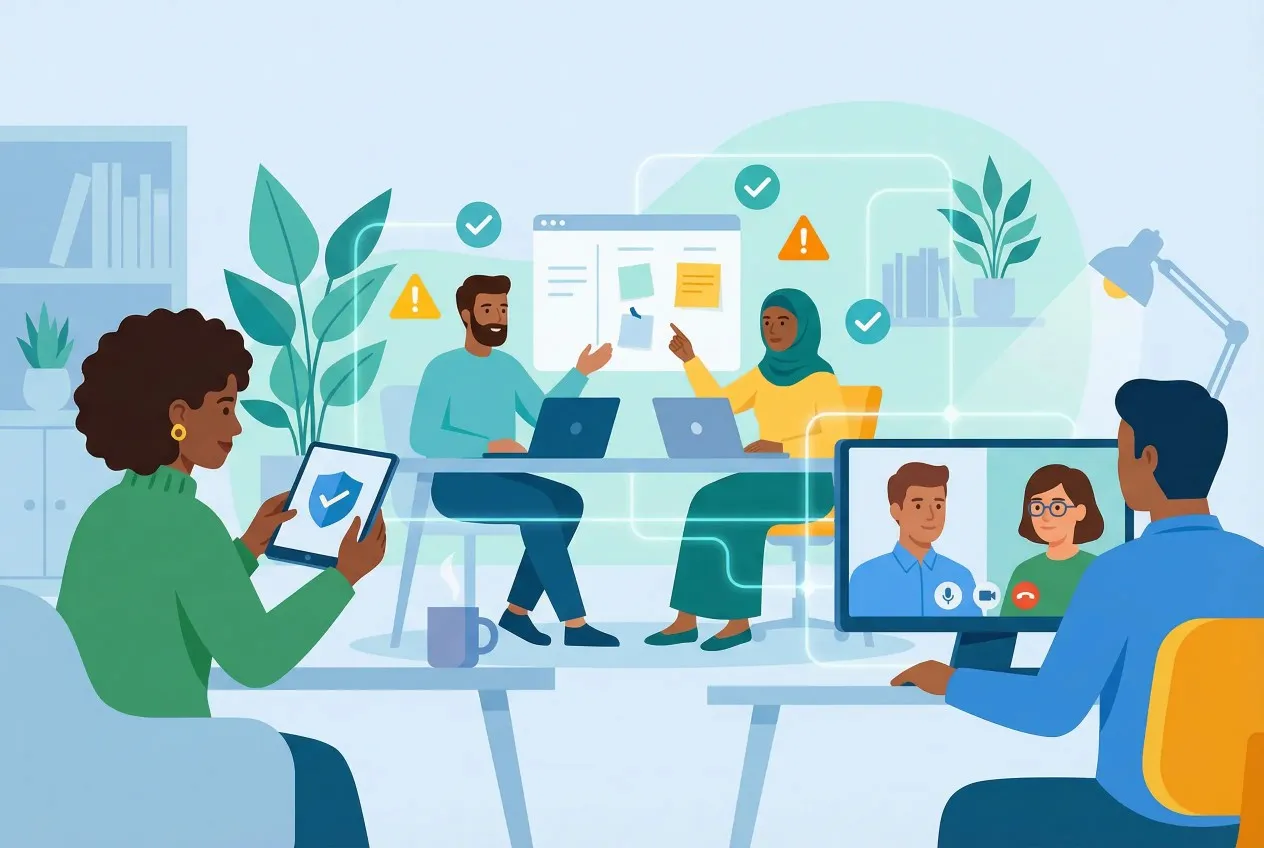
Safety training is about consistency. The challenge now is that “the room” rarely looks the same twice—new hires may be remote, supervisors might join from a jobsite trailer, and shift teams can’t always stop for classroom sessions.
Virtual delivery can work for safety, but only if it’s run like an operational process, not a one-off call. The goal isn’t a perfect slide deck. It’s that people can spot the hazard, explain the control, and make the safe choice when the day gets busy.
Why remote safety training often misses the mark
Virtual safety sessions usually fall short for a few simple reasons. The topic stays generic instead of matching the work people actually do, most people just listen, and nobody’s clear on what happens next. So you end up with a checked box: attendance recorded, a quick quiz completed, and then it’s back to normal—even if habits don’t change.
What works better is treating training like a repeatable loop: name the risk, practice the control, confirm understanding, write down what changed, and run it again on a predictable schedule.
How to run virtual training for safety without overcomplicating it
Step 1: Start with the job, then map controls
Pick one role or task and write down what can go wrong in plain language. Not “general safety.” Something concrete: ladder setup, chemical transfers, warehouse traffic, or working near moving equipment. Specific topics make it easier to teach what “good” looks like.
When you choose controls, don’t rely on training alone. The NIOSH hierarchy of controls keeps planning grounded: reduce the hazard through elimination/engineering where possible, then use procedures and PPE to close the gap. This also makes your remote sessions more practical because you’re teaching actions, not just rules.
Step 2: Define “trained” and decide what proof you’ll keep
Before you schedule anything, define outcomes. For most safety topics, “trained” should mean the worker can identify the hazard in a realistic scenario, name the control, and explain the stop-work trigger. For supervisors, add one more: they can coach the behavior and document it consistently.
Then decide what proof you’ll keep so you’re not rebuilding records later. Attendance helps, but pair it with a short scenario-based check and a simple follow-up verification step. For a US benchmark on standardized training scope and documentation expectations, the OSHA Outreach Training Program outlines how outreach training is structured and documented.
Step 3: Build a repeatable session format people recognize
Short sessions run more consistently than long, occasional ones. A standard structure also helps when different supervisors rotate as the host. Keep it simple. Start with one relevant near-miss, cover the day’s topic, walk through a quick scenario, then close with what should change on the next shift.
This is where basic staff training fundamentals matter more than production value: clear expectations, one main idea, and a takeaway that ties back to the job.
Step 4: Run the live training like a working meeting
Participation is the difference between “watched” and “learned.” If bandwidth is an issue, keep cameras optional, but make responses required. Ask application questions: “Where’s the pinch point?” “What control applies here?” “When do we stop work and reset?”
Keep visuals light and real—one photo of an actual setup is often enough. The discussion that follows is usually where you uncover misunderstandings and align on one standard.
Step 5: Verify understanding in a way that matches reality
A quick quiz is fine, but it shouldn’t be the only check. Scenario prompts work better than trivia. Describe a situation your team faces and ask what they’d do first, which control applies, and who they’d notify.
Whenever possible, add one practical verification step within the next week—an observation, a checklist, or a short “show me” call. The point is to connect training to behavior, not just recall.
Step 6: Document decisions and close the loop
After the session, capture who attended, what was covered, and what decisions were made. If a control gap comes up—unclear procedure steps, missing signage, recurring equipment issues—assign an owner and a due date. That’s how training becomes part of operations.
Keep a simple “proof packet” per topic: session notes, the knowledge-check summary, and any follow-up observation notes. It saves time later and makes audits far less painful.
Making the workflow work for onboarding and mixed teams
Onboarding is where virtual safety training needs the most structure. New hires don’t yet know your stop-work culture or what supervisors expect when something feels off. Pair your internal training with a standardized baseline, then reinforce it with short, task-based sessions and field coaching.
Onboarding works better when you separate baseline knowledge from site-specific rules. A common pattern is to assign supervisors a 30-hour online safety course early (week one or two), track completion like any other requirement, and then use short role-based sessions to translate the material into your actual tasks, tools, and stop-work triggers.
Format matters too. Live sessions create more accountability and make it easier to handle questions in the moment, while recorded modules work better for shift coverage and repeatable onboarding. When you’re deciding what should be live versus self-paced, the advantages and disadvantages of distance learning show the tradeoff clearly: flexibility goes up, but attention can drop, so you need a stronger verification step.
If this is new for your team, grounding the rollout in remote training basics helps keep pacing and participation consistent across sites.
Conclusion
Virtual training for safety can work well when you keep it simple and consistent. Focus on the real tasks people do, ask a few scenario questions to confirm understanding, and write down who owns the follow-ups. Over time, that steady rhythm does more than one big training that everyone forgets.