The Deliverability Gap: Is Your Strategy Failing or Is It Just Blocked?
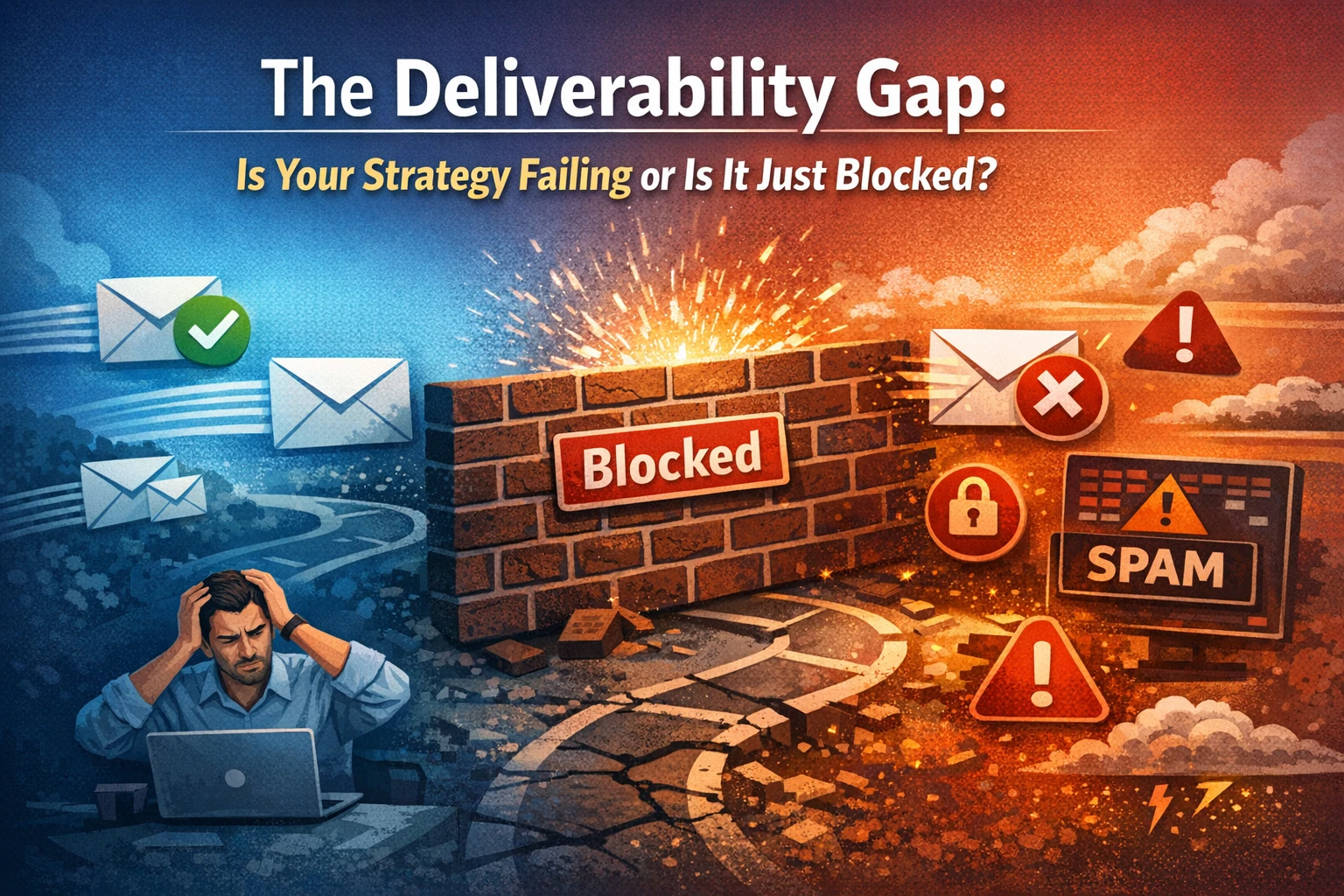
Picture this scenario: You have just finished a promising demo with a high-value prospect. You open your CRM, draft a personalized follow-up email with the contract attached, and click "Send." The system confirms the action with a green checkmark. You wait for a reply, but days turn into weeks. You send a "just bumping this up" nudge, but again, there's silence.
Eventually, you mark the deal as "lost/ghosted" and move on, assuming the client lost interest.
But what if the client didn't ghost you? What if they're wondering why you never followed up?
This is the silent crisis of modern business communication. Whether you're a sales representative moving deals through a pipeline or a marketer running a sophisticated nurturing campaign, a significant percentage of your outbound messages are hitting an invisible wall.
These messages aren't landing in inboxes. Instead, they're vanishing into the digital abyss of spam folders and quarantine zones. Often, they never trigger a "bounce" notification to warn you.
If you haven't used an SPF generator to ensure your technical setup aligns with your sender identity, your carefully crafted proposals and marketing newsletters aren't just being ignored, they're being blocked outright. Read on to learn why your emails are disappearing before they're seen, and how this invisible friction is quietly draining your revenue.
The Illusion of "Sent": Differences between Sent and Delivered
One of the most dangerous misconceptions in email marketing is believing that "sent" means "delivered."
When you send a message through your email provider, the platform reports that the email was sent successfully. However, this only means that the email left the server. It does not confirm that the recipient's inbox was accessed.
A complex series of checkpoints managed by Internet Service Providers (ISPs) lies between the sending server and the recipient’s inbox. ISPs have become increasingly aggressive in recent years. With phishing attacks on the rise, ISPs treat automated messages with extreme suspicion.
For example, if an email claims to be from your company (e.g., sales@yourcompany.com) but is actually sent via a third-party server (i.e., the webinar platform’s IP address), the ISP will flag it as suspicious. Without the proper digital "paperwork," your invitation is treated as an imposter and either sent to the spam folder or rejected entirely without notice.
Getting Past the Inbox Security
To understand why this happens, we must look at the mechanics of email spoofing. Hackers often "spoof" domains to make fraudulent emails look like they come from legitimate sources. To combat this, email providers rely on authentication standards to verify identity.
This is where the concept of Domain Alignment becomes critical. If your Domain Name System (DNS) records do not explicitly authorize the platform to send email on your behalf, you fail the authentication test. The ISP sees a stranger (the platform) wearing your nametag (your email address) and blocks entry to protect the user.
The Technical Solution: The Authentication Trinity
To exorcise the ghost from the room and ensure your attendees actually receive their links, you must implement three key protocols: SPF, DKIM, and DMARC.
- SPF (Sender Policy Framework): This is a DNS record that lists all the IP addresses and servers authorized to send email for your domain.
- DKIM (DomainKeys Identified Mail): This adds a digital signature to your emails, verifying that the message hasn't been altered in transit.
- DMARC (Domain-based Message Authentication, Reporting, and Conformance): This tells the receiving server what to do if an email fails the first two checks (e.g., send it to spam or reject it entirely).
The Critical Role of SPF Records
Among these, SPF is often the first line of defense and the most common point of failure. A surprising number of businesses have broken or incomplete SPF records.
The challenge lies in the syntax. An SPF record is a text string in your DNS settings. It requires absolute precision. If you simply add a new platform to your stack without updating your record, or if you format the record incorrectly, you invalidate the entire protocol.
Manually editing DNS text records is prone to human error, a missing space or an extra character can take down your email deliverability globally.
To mitigate this risk, IT professionals and savvy marketers utilize tools to ensure accuracy. Using a reliable SPF Record Generator allows you to build the correct syntax automatically. These tools help you identify the specific include-mechanism for your third-party services and generate a clean, error-free TXT record to paste into your DNS.
The Content Filter
Even if you have a perfect SPF record, your email can still trigger spam filters based on heuristics. Modern spam filters analyze text-to-image ratios and look for "trigger words."
To maximize deliverability:
- Avoid URL shorteners. Never use generic link shorteners (like bit.ly) in your invitation emails. Spammers love them, and so do filters. Use the direct link provided by the platform.
- Balance the HTML. Make sure your email isn't just one giant image. Filters cannot read images, so they assume the worst. Always include a substantial amount of plain text explaining the agenda.
- Personalization: "Dear Prospect" is a red flag. "Dear [Name]" signals a legitimate relationship.
The Metric That Actually Matters
Take control of your domain reputation and use tools like a free SPF record generator to enforce strict authentication. This ensures that your message will reach the inbox.
Don't let poor deliverability haunt your strategy. Verify your records, secure your domain, and watch your attendance rates rise to match your registrations.