Top Password-Protected Video Hosting Platforms for Businesses (2026)
A password on a business video protects the page it sits on. However, it does not protect the video file, the stream, or the moment after your intended viewer forwards that password to someone you never approved.
That gap is where most "secure" video sharing quietly fails, and almost none of the platform roundups ranking for this topic say so directly. The scale of the incentive is not small either. CordCutting's research found roughly one in three Americans has engaged in content piracy, and every one of them started as somebody's authorized viewer.
Here is the specific problem: once a password leaves your hands, it has no expiry, no revocation switch, and no record of who used it.
A client demo password-protected on a Tuesday can still be working on a Friday, for a person who was never supposed to see it. The fix isn't a better password. It's knowing which access-control layer your content actually needs, and which platforms let you stack more than one.
This article breaks down what password protection genuinely covers, scores seven platforms that combine it with real access control, and gives you a way to decide when a password alone is fine and when it is not.
TL;DR
-
A password secures the page a video loads on, not the video stream itself, so a shared password never expires unless someone remembers to change it.
-
The real decision isn't whether to add password protection. It's matching your content to one of five risk tiers, from an informal internal update to regulated or monetized material, and knowing which control that tier actually requires.
-
Seven platforms genuinely combine password protection with at least one deeper layer: domain restriction, expiring or signed links, SSO, or dynamic watermarking, scored here against the risk tier they fit rather than against a generic feature checklist.
-
Password protection alone breaks down the moment content becomes valuable enough that someone has a reason to keep a copy, and no amount of platform-shopping fixes that if you've misjudged which tier your content sits in.
-
The comparison table below scores each platform on five concrete criteria, not marketing copy, and maps each one back to the risk tier it actually serves.
Why "Password-Protected" is the Wrong Finish Line
A password protects entry to a page. It does not protect the video request itself. That distinction sounds academic until you trace what happens after someone gets the password.
Signed URLs and DRM protect the video stream, while a password only gates the page the player sits on.
Once a viewer is past the password prompt, the underlying video request is often no different from a public one. If they copy the direct file URL, or the link simply gets forwarded, the password step is gone from the picture entirely.
Here's the decision rule: if you can't answer "does this expire, and can I revoke it mid-session," you don't have access control. You have a lock with unlimited spare keys.
Most teams treat "password-protected" as a checkbox their video host either has or doesn't. The more useful question is what sits behind the password: "Does the platform also support domain locking, link expiry, or identity-based login, or is the password the entire security model?”
So before comparing platforms, it helps to know which content actually needs more than a password. Not every video does.
Does Your Video Need More Than a Password? Match the Risk to the Control
Five categories cover almost every business use case for password-protected video, and each one has a different minimum bar.
-
Informal or low-stakes internal clips: A quick team update or a work-in-progress cut for internal eyes only. Password protection alone is genuinely fine here. Nobody is losing revenue if this leaks.
-
Internal training and onboarding: Compliance modules, SOP walkthroughs, L&D content. You want to know who completed training, not just that someone entered a password, which means login protection or SSO earns its cost here.
-
Client-facing sales and demo content: Pricing walkthroughs, ROI case studies, pre-launch product demos sent to prospects. Domain restriction plus an expiring link keeps a shared demo from still working three deal cycles later.
-
Paid or monetized video: Courses, gated webinars, membership content people are paying to access. This is where dynamic watermarking starts to matter, since it turns a leak into a traceable one instead of an anonymous one.
-
Regulated or confidential material: Board updates, M&A materials, unreleased financials, anything with legal exposure if it reaches the wrong audience. This tier needs SSO, audit logs, and ideally DRM, not password protection as the primary control.
Risk Tier Quick Reference
| Tier | Example content | Minimum control needed | Platforms that clear it |
|---|---|---|---|
| 1 | Internal team update, work-in-progress cut | Password protection alone | All seven |
| 2 | Compliance training, SOP walkthroughs, onboarding | Login protection or SSO | SproutVideo, Panopto, Wistia, Vimeo (Enterprise) |
| 3 | Sales demos, pricing walkthroughs, ROI case studies sent to prospects | Domain restriction plus expiring or signed links | Gumlet, SproutVideo, Panopto |
| 4 | Paid courses, gated webinars, membership content | Dynamic watermarking | Gumlet (Business plan), SproutVideo, Spotlightr |
| 5 | Board updates, M&A materials, unreleased financials | SSO, audit logs, DRM | Gumlet (with DRM add-on), SproutVideo (Forest plan), Panopto |
Use this table to shortlist before reading the full platform breakdowns below. If your content sits in a tier where only one or two platforms clear the bar, start there.
If your content sits in tier 4 or 5 and your current platform's security stops at a password field, that is the signal to move, not a reason to add a stronger password.
7 Platforms That Combine Password Protection With Real Access Control
The platforms below made the list because each one pairs password protection with at least one deeper control: domain restriction, link expiry, single sign-on, and/or dynamic watermarking. Feature checkboxes on a pricing page are not proof. What's documented and shipped is.
| Platform | Password Protection | Domain Restriction | Expiring / Signed Links | SSO | Dynamic Watermarking | Best For |
|---|---|---|---|---|---|---|
| Gumlet | Yes | Yes | Yes (signed URLs) | Yes | Yes (Business plan) | SaaS teams that need password protection plus signed URLs and watermarking in one dashboard |
| SproutVideo | Yes | Yes | Yes (signed embeds) | Yes (top plan) | Yes | Teams that need SSO without an engineering lift |
| Wistia | Yes | Yes | Limited | Yes | No | Marketing teams that need password protection plus lead capture |
| Vimeo | Yes | Yes | Limited | Yes (Enterprise tier) | No | General business use with familiar tooling |
| Vidyard | Yes | Limited | No | Yes (Business plan) | No | Sales teams sharing password-gated demos and pitches |
| Spotlightr | Yes | Yes | No | Not publicly documented | Yes | Course creators and marketers who need watermarking without enterprise pricing |
| Panopto | Yes | Yes | Yes | Yes | Limited | Internal training and L&D with SSO and LMS integration |
No single platform here wins every category, and that's the honest answer. SSO-heavy platforms like SproutVideo and Panopto are the right call for training and internal comms. Watermark-forward platforms like Spotlightr and Gumlet make more sense for paid or SaaS demo content where leak traceability matters more than login walls.
Pick based on the content-risk tier from the checklist above, not the platform with the longest feature list.
For tier 3 client-facing content specifically, Gumlet and SproutVideo are the only two platforms on this list that combine domain restriction with signed or expiring links without requiring an enterprise-tier contract.
1. Gumlet: Best for SaaS Teams That Need Password Protection Plus Signed URLs and Watermarking in One Dashboard
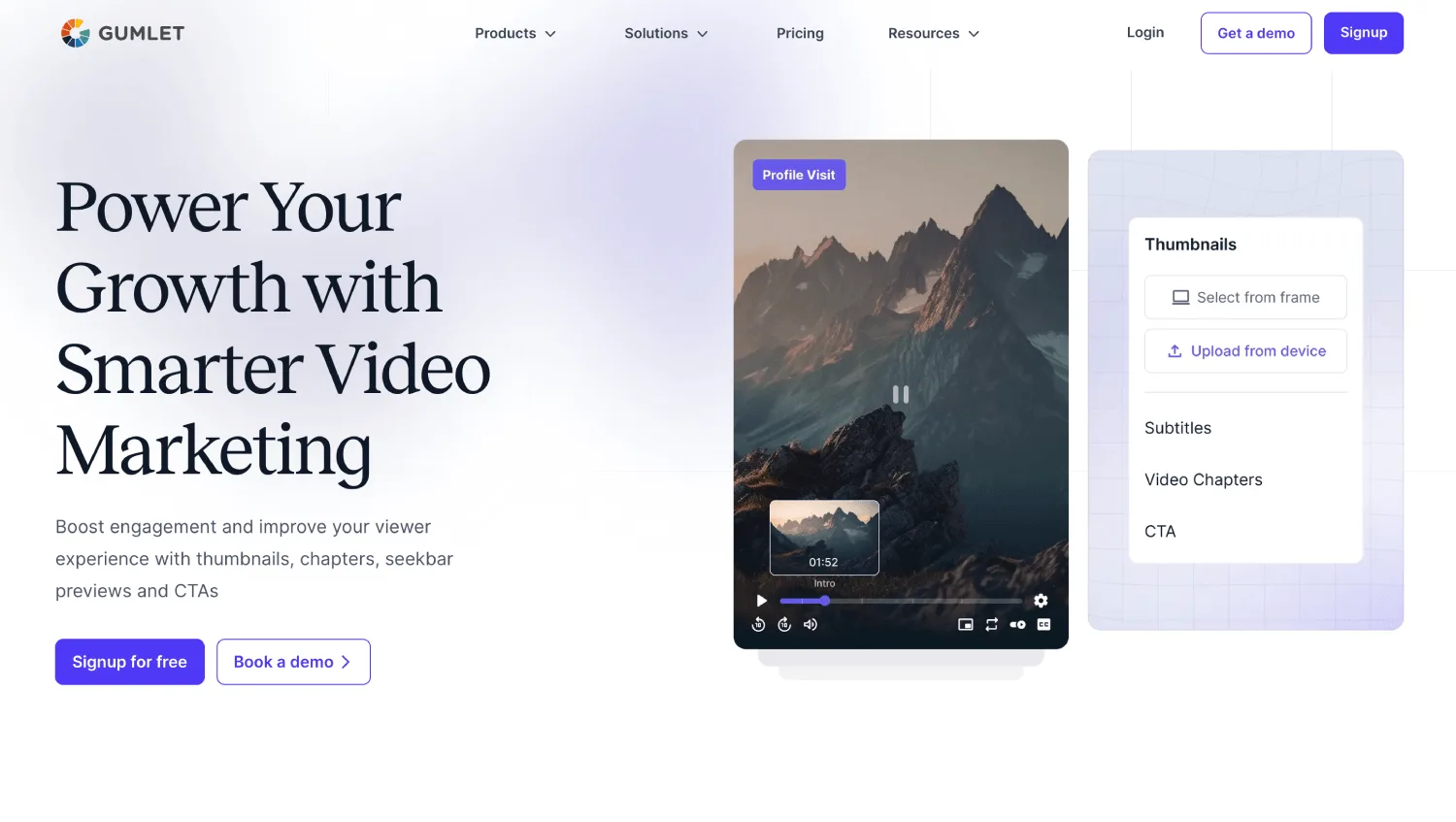
Gumlet's password protection is one among a comprehensive list of its video protection features, which includes signed URLs, domain and geo restriction, and dynamic watermarking, so a team isn't stitching together separate vendors to get from "password on a page" to traceable, expiring, domain-locked access.
The password prompt renders inside the embedded player, and the underlying HLS stream is AES-128 encrypted, so a URL pulled from a browser's network tab after authentication still won't play outside that session.
Dynamic watermarking, available on Gumlet's Business plan, embeds a viewer's email or IP address into the frame, turning a leak into a traceable one, and Gumlet's standing as a Google Widevine and Apple FairPlay video DRM vendor adds device-level playback restriction for content where a leak carries real revenue risk.
A free tier is available for testing the core password-and-domain-restriction workflow before committing to a paid plan.
That combination covers tiers 2 through 4 of the checklist above without a second platform for signed delivery, though tier 4 content specifically will need the Business plan rather than the entry-level Creator tier.
Gumlet offers a free tier, while paid plans start from $6 a month for the Creator tier, scaling up to $99 a month for the Business tier. DRM is offered as a standalone add-on feature for $99 a month, and can be added to any paid plan based on your storage and bandwidth requirements.
The honest limitation: Dynamic watermarking sits behind the Business plan, so a team on the entry-level Creator tier gets password protection, domain restriction, and signed URLs, but not the traceability layer that tier 4 content actually needs. Budget for the upgrade path, not just the headline $6 price, if your content is likely to move up a risk tier.
2. SproutVideo: Best for Teams That Need SSO Without an Engineering Lift
SproutVideo's own security documentation states the core issue directly: "password protection is an essential starting point" but public hosting terms and lack of domain locking can still expose content, even behind a password.
That's an unusually candid admission from a vendor, and it's why SproutVideo makes this list.
Its top-tier Forest plan adds single sign-on for viewer login plus geo and IP restriction, alongside dynamic watermarks and signed embed codes on the tier below it.
Pricing starts at $12 a month for basic hosting and climbs to $195 a month for the SSO-enabled tier.
The honest limitation: SSO and IP restriction are only available on the most expensive plan, so smaller teams get password protection and domain locking but not identity-based access.
A 30-day free trial covers all tiers, including Forest, so you can test SSO configuration before paying for it.
3. Wistia: Best for Marketing Teams That Need Password Protection Plus Lead Capture
Wistia's password protection sits inside a platform built primarily for marketing analytics and in-player lead capture, not deep access control.
Domain restriction and SSO are available, but Wistia does not publish support for signed or expiring embed links the way infrastructure-first platforms do.
If your primary use case is gating a webinar replay behind a password while also capturing viewer emails and watching engagement heatmaps, Wistia earns its price.
The free tier caps at 10 videos, enough to test password protection and domain restriction before upgrading.
Plans run from a limited free tier to $99 a month for the Business tier, and an Enterprise plan that requires a direct consultation for pricing.
The honest limitation: strong marketing tooling, thinner security depth than platforms built around access control first.
4. Vimeo: Best for General Business Use With Familiar Tooling
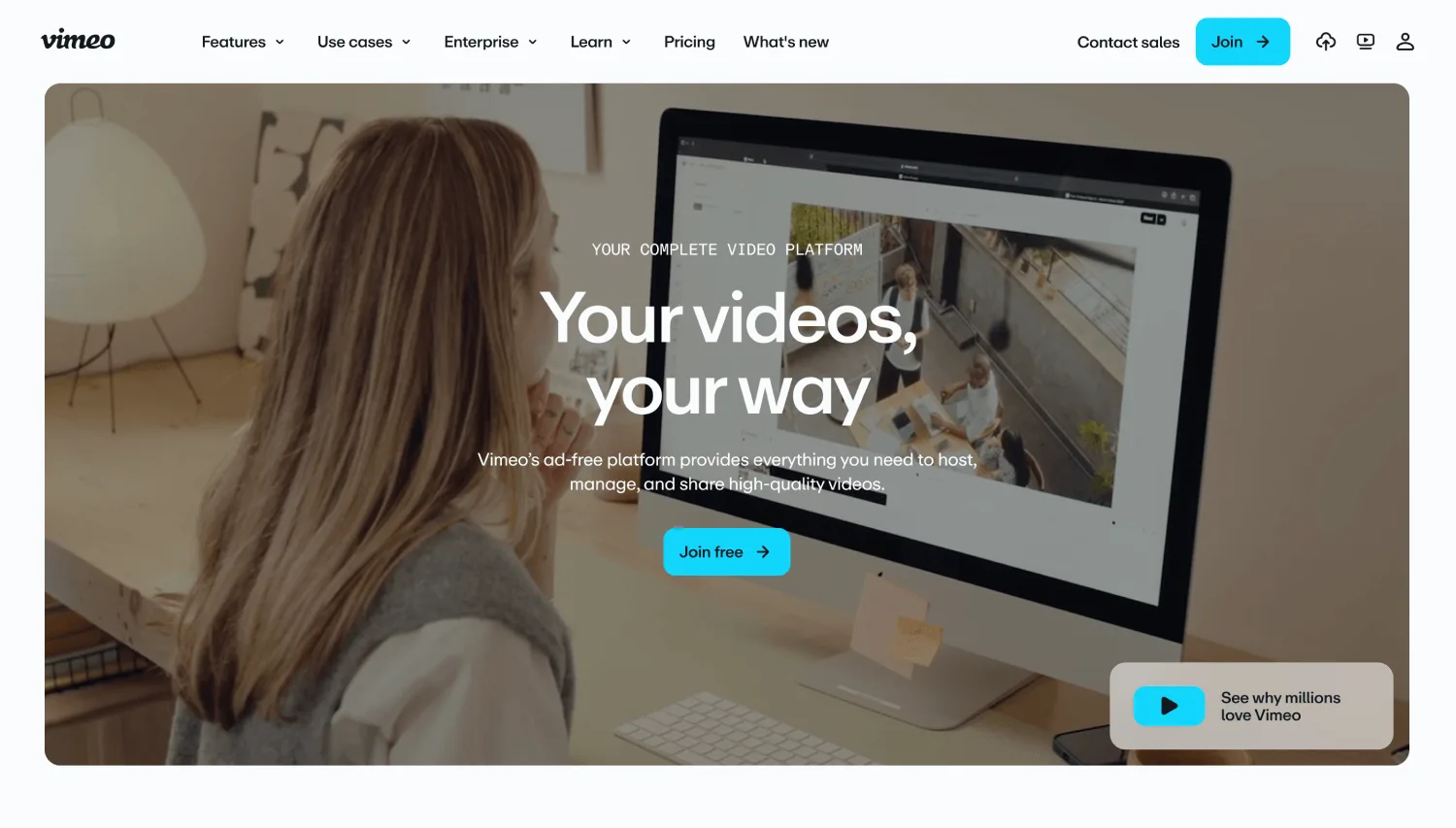
Vimeo's password protection is the most familiar implementation on this list, most viewers have already entered a Vimeo password at least once, so there's no learning curve on either side of the share.
Domain-level privacy and private link sharing come standard on paid plans, and SSO through SAML is available on Enterprise plans.
The honest limitation: password management is basic compared to platforms purpose-built for content security, and signed or expiring links are not part of the standard toolkit.
For a company that wants secure video sharing without evaluating five vendors, Vimeo is the path of least resistance.
The free plan does not include password protection at all, so evaluating Vimeo's security features requires starting on a paid plan.
Paid plans run from $12 to $75 a month, with custom Enterprise pricing above that.
5. Vidyard: Best for Sales Teams Sharing Password-Gated Demos and Pitches
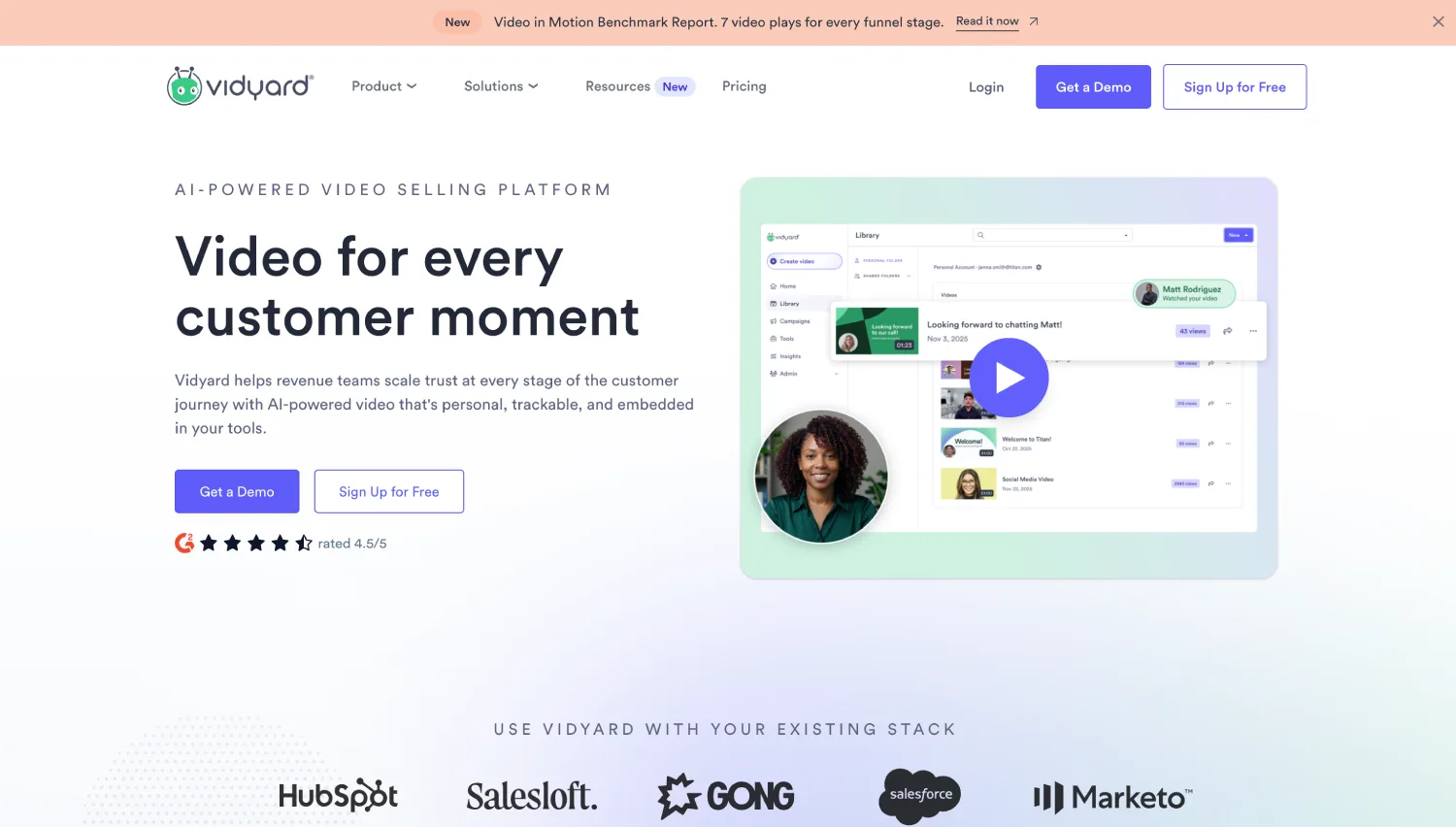
Vidyard's security model is built around the sales use case first. Password protection ships standard, and its deeper access controls, including SSO, sit behind a custom Enterprise plan aimed at teams already using Vidyard for prospect-facing video and CRM-integrated outreach.
The tradeoff: Domain restriction and link expiry are not part of the public feature set the way they are on infrastructure-first platforms.
If your video content is a sales demo you're sending to a named prospect for a limited window, the identity and CRM tracking matter more than domain locking, and that's exactly what Vidyard optimizes for.
Vidyard is the only platform on this list built around CRM-integrated, per-prospect video tracking rather than library-wide access control, which makes it the right fit for tier 3 sales content specifically, not for tiers 4 or 5.
The free plan is capped at 5 videos per month, which is enough to test password-gated sharing but not enough to run a real pilot with a sales team.
Plans range from a free tier to a $59 a month Starter plan, while both Teams and the Enterprise plan have custom pricing and require a direct consultation.
6. Spotlightr: Best for Course Creators and Marketers Who Need Watermarking Without Enterprise Pricing
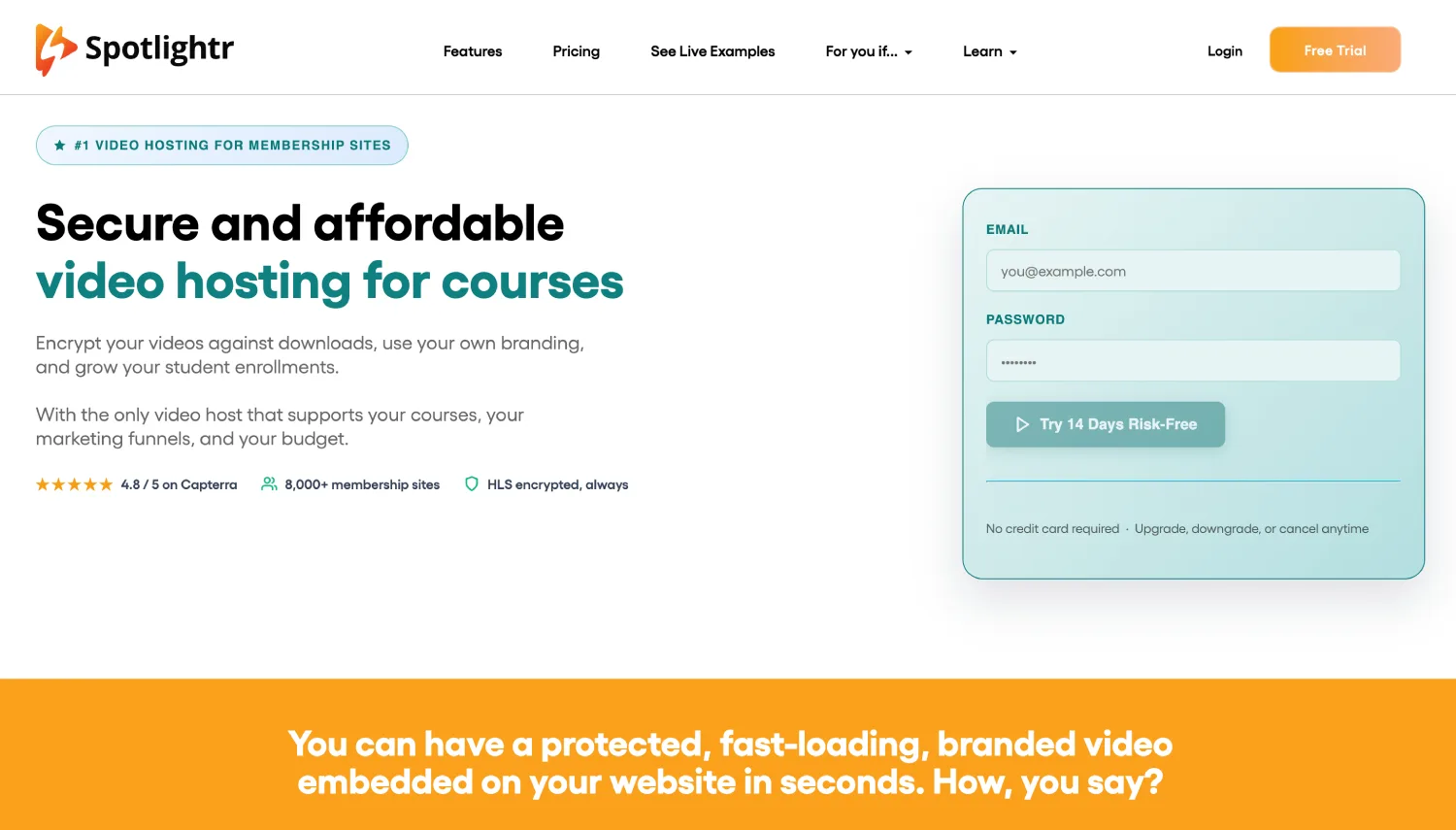
Spotlightr layers password protection with domain restriction, geo-blocking, and dynamic IP or email watermarking burned directly into the video stream, at a price point built for individual creators and small teams rather than enterprise buyers.
Every video uploaded to the platform is encrypted by default using HLS delivery, which is a meaningfully stronger baseline than password-only hosting.
Spotlightr does not offer a permanent free tier, but a free trial covers the full feature set, including watermarking, before you pay.
The honest limitation: Single sign-on is not part of Spotlightr's publicly documented feature set, so teams that need identity-based login for internal audiences will hit a ceiling here.
For paid course content or gated marketing video where watermarking and domain locking matter more than SSO, pricing starts around $13 a month for the Light tier, scaling up to $163 a month for the Scale tier.
7. Panopto: Best for Internal Training and L&D With SSO and LMS Integration
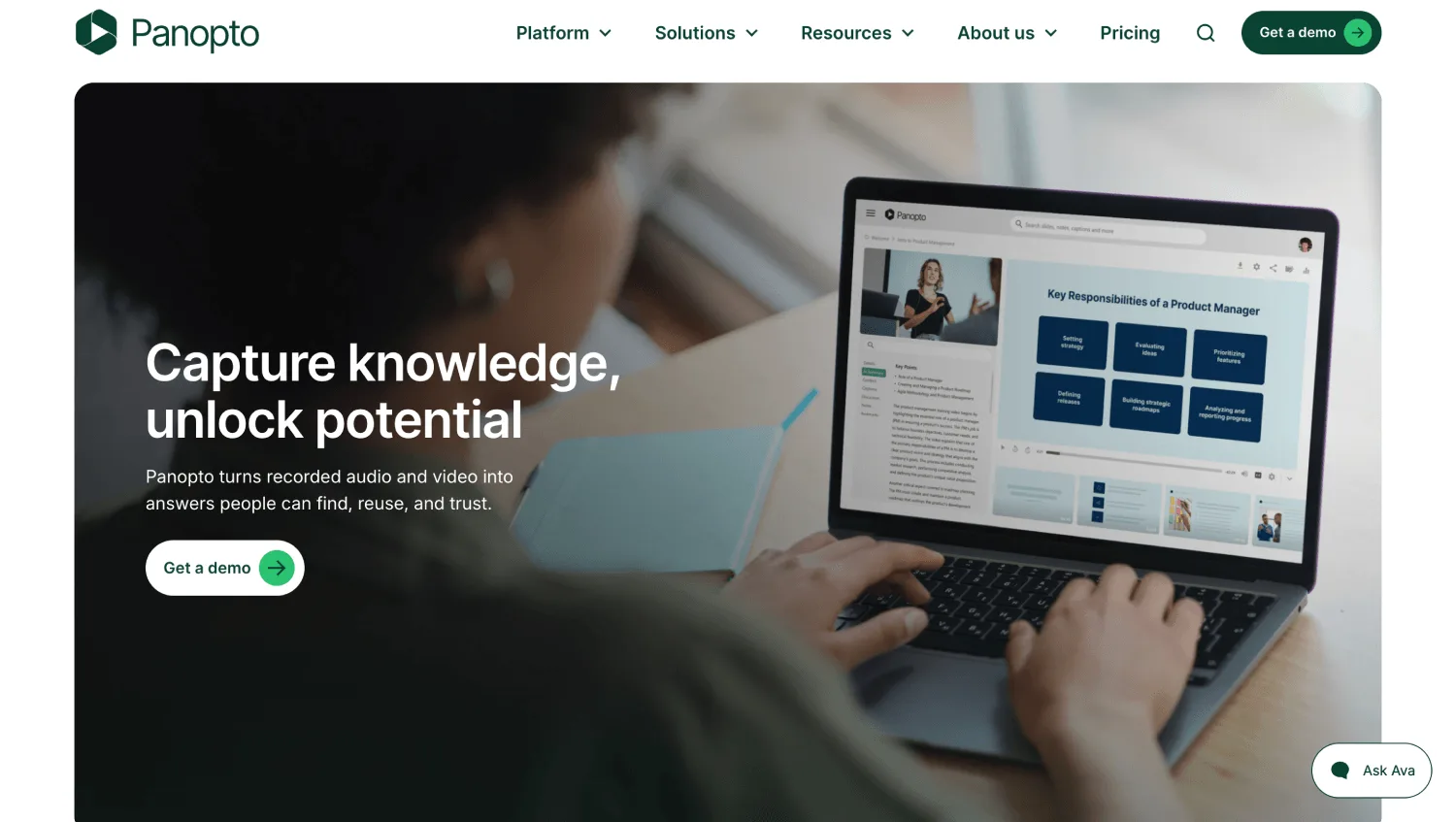
Panopto is built around the training and compliance use case specifically, with SSO, LMS integration, and searchable video libraries as the core product rather than an add-on.
Password protection exists, but it's rarely the primary control in Panopto deployments, since most Panopto customers are already authenticating viewers through their institution's identity provider.
The honest limitation: This depth comes at enterprise pricing and setup complexity that would be overkill for a marketing team just trying to gate a webinar replay.
For a university, a hospital system, or a corporate L&D team tracking course completion and compliance viewing, that complexity is the point, not a downside.
Password Protection vs. Domain Locking vs. SSO: What Each One Actually Stops
Each mechanism blocks a different failure mode, and none of them substitute for each other.
A password stops a stranger with no context from stumbling onto your video. It does nothing once that password is shared, because the credential itself has no identity attached to it.
Domain restriction stops your video from being embedded or played anywhere except the sites you explicitly allow, which blocks a different problem entirely: someone copying your embed code and running your video on their own page.
Single sign-on stops both of the above by tying access to a specific person's identity through your existing identity provider, which means access can be revoked the moment someone leaves the company, without changing a shared password for everyone else.
Choose password protection when the audience is small, trusted, and low-risk. Choose domain restriction when you're distributing through embeds and need to control where the player physically loads. Choose SSO when you need per-person accountability, instant revocation, and an audit trail
Neither password protection nor domain restriction works alone when the content is regulated, monetized at scale, or carries real legal exposure if it leaks.
A platform that lists "SSO" on its pricing page does not always mean SAML-based, self-service SSO. Some implementations require manual user provisioning on the vendor's side.
Before you commit, ask the vendor to walk you through the actual login flow a new viewer would go through, not just the feature name on the page.
Password protection and domain restriction each solve one failure mode; only SSO and DRM close the gap where content has real legal or financial exposure attached to a leak.
Where Password-Only Protection Breaks Down
Password-only protection breaks down at the exact moment your content becomes worth copying.
A password creates friction, not a wall. When a leak would cause reputational, financial, or competitive damage, password protection alone isn't the right control, and login-based access or SSO takes over.
The mechanism is simple and worth stating plainly: a password has no identity behind it. Two different people entering the same password produce an identical, indistinguishable session.
There is no way to tell which one of them forwarded it, and no way to cut off just one of them without changing the password for everyone else who legitimately needs access. That single fact is why every platform in the comparison table above that takes security seriously treats password protection as a baseline layer, not a finished security model.
Run this test before you trust a password-protected video with anything sensitive: try sharing the link and password with a colleague, then ask them to forward both to a third person.
If that third person can still watch, your "protected" video is exactly as protected as an unlisted YouTube link. That's not a hypothetical. It's the default behavior of password protection on most platforms, full stop.
If Compliance Applies to You, Check This Before Shortlisting
Tier 5 content, board materials, M&A documents, anything with real legal exposure, often comes with a compliance requirement attached, not just a security preference.
Gumlet holds SOC 2 and ISO certifications. Vimeo Enterprise supports HIPAA compliance through a Business Associate Agreement and follows SOX requirements as a publicly traded company.
SproutVideo and Panopto do not publish specific compliance certifications on their security pages as of this writing, which means confirming certification status directly with the vendor before shortlisting them for regulated content, rather than assuming it based on their enterprise positioning.
If your industry requires a specific certification, HIPAA, SOC 2, GDPR, or a signed BAA, treat that as a shortlist filter before you evaluate feature depth.
A platform with excellent DRM and watermarking is still the wrong choice if it can't sign the compliance paperwork your legal team requires.
Five Questions to Ask Before You Commit
Feature names on a pricing page don't always mean what they imply. Before you sign a contract, get a straight answer to these:
- For SSO: Is this SAML-based and self-service, or does it require manual user provisioning on your end?
Ask for a walkthrough of the actual login flow a new viewer would go through.
- For signed or expiring links: Does the link expire on a timer, on a session, or both?
A link that only expires after a fixed date still leaves a window open if it's shared immediately.
- For domain restriction: Is it enforced at the JavaScript player level, the iFrame embed level, or both?
A restriction that only covers one embed method leaves the other wide open.
- For dynamic watermarking: Is the watermark visible or forensic-only?
A visible watermark deters casual sharing; a forensic-only mark requires you to already suspect a leak before you can trace it.
- For DRM: Is it hardware-enforced (Widevine L1, FairPlay) or software-level (Widevine L3)?
Only hardware-level enforcement blocks screen recording at the OS layer on capable devices.
None of these questions have a universally right answer. They exist so the answer you get back tells you whether the feature matches what your tier actually needs.
Which Platform to Choose When You Need the Full Stack
If you've made it this far, the honest answer to "which platform should I pick" depends on which tier of the checklist your content actually sits in, not which vendor has the longest feature page.
For training and compliance video where identity and audit trails matter most, SproutVideo or Panopto earn their SSO-first pricing.
For sales-driven demo sharing where CRM context matters as much as security, Vidyard's model fits the workflow.
For course creators and marketers on tighter budgets who still need domain locking and watermarking, Spotlightr covers that gap without enterprise pricing.
For SaaS, EdTech, and media teams that need password protection, domain restriction, signed URL expiry, and dynamic watermarking working together on one delivery layer, without stitching together separate vendors for hosting and security, Gumlet's password-protected video hosting is the platform built specifically for that combination.
It's worth a closer look particularly for teams gating product demos, internal training libraries, or paid course content where a leak has a real dollar cost attached, and where a stacked security layer beyond a password field is the actual requirement rather than just a nice-to-have add-on.
No platform on this list is wrong. The mistake is picking based on brand recognition instead of matching the platform's actual access-control depth to what your content risk tier demands.
Frequently Asked Questions
1. Which content-risk tier determines whether password protection alone is enough?
Tiers 1 and 2 (informal internal clips, and internal training where you don't need per-person completion tracking) are generally fine with password protection alone. Tiers 3 through 5 (client-facing sales content, paid or monetized video, and regulated or confidential material) need at least one deeper layer, domain restriction, signed URLs, or SSO, because a shared password has no expiry and no record of who used it.
Setting the password itself is nearly identical across platforms: set it in the video's privacy or security settings after upload, then share it separately from the link. The tier your content sits in, not the platform you pick, determines whether that step is sufficient on its own.
2. Is password protection enough for confidential or internal video content?
It depends entirely on what happens if the content leaks. For low-stakes internal updates, a shared team announcement or a rough cut for internal eyes only, a password is genuinely sufficient, and adding more controls just slows the team down for no real security gain.
For confidential material where unauthorized access creates legal, financial, or competitive exposure, such as board updates, unreleased financials, or M&A materials, use login protection or single sign-on instead.
Ask whether you could identify and cut off one specific viewer without disrupting everyone else. If the answer is no, the password alone is not the right control.
3. What's the difference between password protection and SSO for video?
A password is a shared credential with no identity attached, so anyone who has it gets identical access with no individual record. Single sign-on ties video access to a specific person's login through your company's identity provider, which means you can revoke one person's access instantly and get an audit trail of exactly who watched.
If you need to know who saw a video and cut off access for one specific person, use SSO, not a shared password.
4. Which platforms let you combine a password with domain restrictions and expiring links, and which risk tier does that combination fit?
SproutVideo, Gumlet, and Panopto all publicly document password protection alongside domain restriction and expiring or signed links in the same dashboard, which covers tiers 3 and 4 of the checklist above. Wistia and Vimeo support password protection and domain restriction but do not publish support for expiring or signed embed links, which caps them at tier 2 or 3 depending on your audit needs.
Confirm the exact tier each feature requires before choosing, since several vendors gate signed links or expiry behind their highest-priced plan.
5. My content sits in tier 3 or higher. Is password protection ever still appropriate?
Only as the first layer, never as the only one. A password has no built-in expiry or usage limit on most platforms, so once it's shared, it can be shared again indefinitely unless you manually change it. That's the exact failure mode that makes password-only protection wrong for tiers 3 through 5.
If you need to guarantee access stops working after a set window or a fixed number of views, choose a platform with signed URLs or link expiry instead of relying on the password field alone, and match the platform to the tier using the checklist earlier in this article.
6. How do I revoke access to a video I already shared?
Depends entirely on what you shared. A password-protected link has exactly one revocation switch: change the password, which cuts off every legitimate viewer at the same time.
A signed URL revokes itself when the window closes, with no action from you. SSO-gated access is the only model with per-person revocation, where removing one viewer from your identity provider ends their access instantly and leaves everyone else untouched.
If clean, individual revocation matters for your content, that requirement alone decides the platform before any feature comparison does.