Where Creators Should Run Seedance 2.5 in 2026: Platforms Compared
Seedance 2.5 is only half the decision. The other half is where you run it.
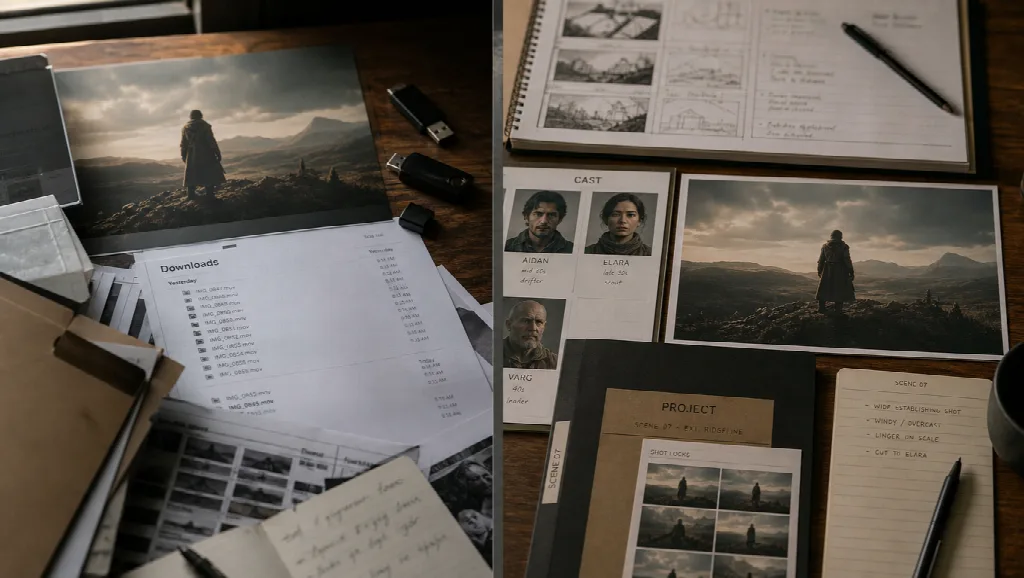
ByteDance’s model can deliver up to about 30 seconds in one pass, dense multimodal references (images, video, audio), joint audiovisual output, and timestamp-level repair. That upside disappears if the surface around the model is a dead-end: no project memory, no boards, no way to keep the take next to your cast locks, or an API that is still “coming soon” on the day you need to ship.
This comparison ranks Seedance 2.5 access surfaces for production use — ads, explainers, cinematic beats, reference-heavy scenes. Topview lands first because it pairs the model with a creator workspace instead of stranding you in a single generate box.
Compliance note for publishers: the title and links below avoid marketplace spam wording. The ranking is about workflow fit.
How the platforms were scored
-
Can you actually select Seedance 2.5 today (or a clear preview path)?
-
Does the surface support reference-heavy 30s work?
-
Can results live next to story, boards, Canvas, or episode tools?
-
Is the path usable for international marketing teams, not only one region’s consumer app?
-
Is API / automation ready, or still pending?
Quick ranking
| Rank | Platform | Seedance 2.5 fit |
|---|---|---|
| 1 | Topview | Model page + Canvas / studio workflows for shipping work |
| 2 | Jimeng AI | Official ByteDance creator web path |
| 3 | Doubao Pro | Official Pro rollout path |
| 4 | Dreamina | International / regional subscriber rollout |
| 5 | BytePlus ModelArk | API lane flagged as coming soon — verify before you bet a pipeline |
1. Topview — first choice for production teams
If the question is “where should a marketing or film team actually use Seedance 2.5,” start here.
Topview is built as an AI video workspace: describe an idea, attach script / reference / product context, plan scenes, generate, and keep shots editable on Canvas. For Seedance specifically, the dedicated surface is Seedance 2.5 — positioned for coherent videos up to 30 seconds from text, image, video, and audio references, with timing control, storyboard habits, multilingual dialogue, and segment-level editing language that matches how 2.5 is marketed upstream.
Why it ranks first for this article’s audience:
-
Same roof as the rest of the job — Film Studio, Drama Studio, Avatar, image tools, and frontier models sit in one product family
-
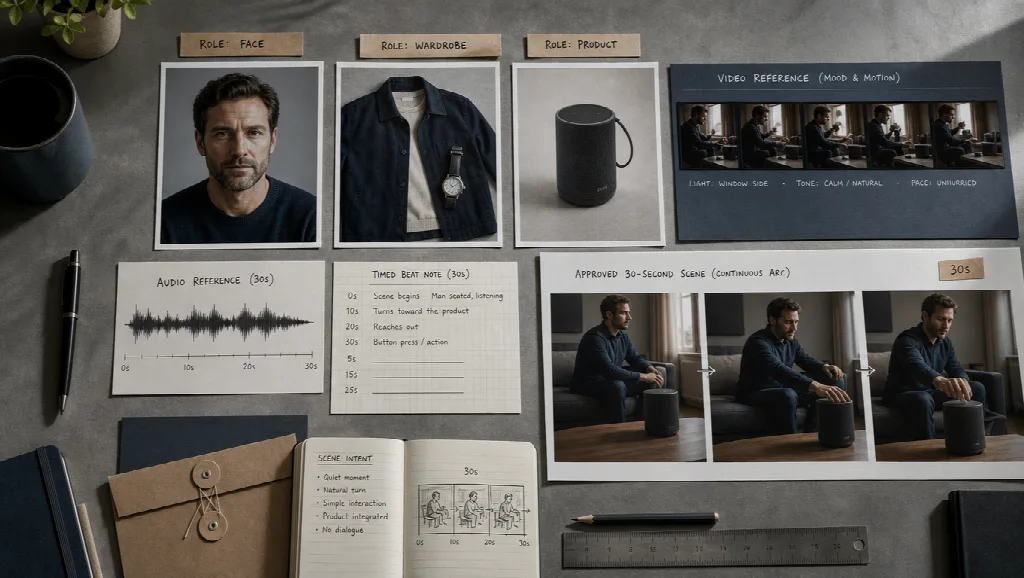
Reference-led generation fits Seedance’s strength (fat kits, timed beats)
-
Export-minded workflow — you are not dumping orphans into Downloads with no project spine
-
Team-friendly direction — shared projects / assets / credits matter once more than one person touches the brief
Jimeng and Doubao matter as official ByteDance doors. Topview matters when Seedance is a step inside a larger ship calendar.
2. Jimeng AI — official web generate path
ByteDance Seed’s own launch notes point creators to Jimeng Web → Video Generation → Seedance 2.5. That makes Jimeng the clearest first-party consumer/creator console for trying the model close to the source.
Choose Jimeng when: you want the official China-facing web entry and you are fine working inside that product’s account and moderation rules. Limit: it is a strong generate surface; it is not automatically your global marketing OS.
3. Doubao Pro — official Pro rollout path
The same launch wave lists Doubao Pro → Video Generation → Seedance 2.5. Useful for accounts already living in the Doubao Pro stack.
Choose Doubao Pro when: your team already pays for that ecosystem and wants Seedance beside other Pro tools. Limit: access can still vary by account tier and region — confirm before promising clients a date.
4. Dreamina — international subscriber lane
Dreamina appears in access guides as a rolling international route (region, subscription, age, eligibility dependent). When it is live on your account, it is a legitimate Seedance door for creators outside the Jimeng-first world.
Choose Dreamina when: your login already sits there and Seedance 2.5 shows up in the model picker. Limit: “rolling out” means your teammate’s screenshot is not your entitlement.
5. BytePlus ModelArk — API later, plan carefully
Official messaging has pointed API access at BytePlus ModelArk as coming soon. Docs and pricing pages may appear before broad callable access is real.
Choose ModelArk when: you are building productized generation and have confirmed a live model id on your key. Limit: do not hard-code a launch plan on “coming soon.”
What “good Seedance access” looks like in practice
Regardless of platform, a serious Seedance 2.5 job usually needs:
-
Up to ~30s single-pass room (and extension only when the story earns it)
-
Multimodal references with roles labeled
-
Audio treated as part of the beat
-
A place to revise a time range without torching the whole take
-
A project folder that still exists next Tuesday
Platforms that only offer a prompt box score lower here — even if the underlying weights are identical.
Who should pick what
| You are… | Start here |
|---|---|
| Shipping ads / shorts / studio beats with shared assets | Topview |
| Testing against ByteDance’s own web UI | Jimeng AI |
| Already standardized on Doubao Pro | Doubao Pro |
| On an eligible Dreamina subscriber account abroad | Dreamina |
| Wiring server-side generation | BytePlus ModelArk (after live confirmation) |
Bottom line
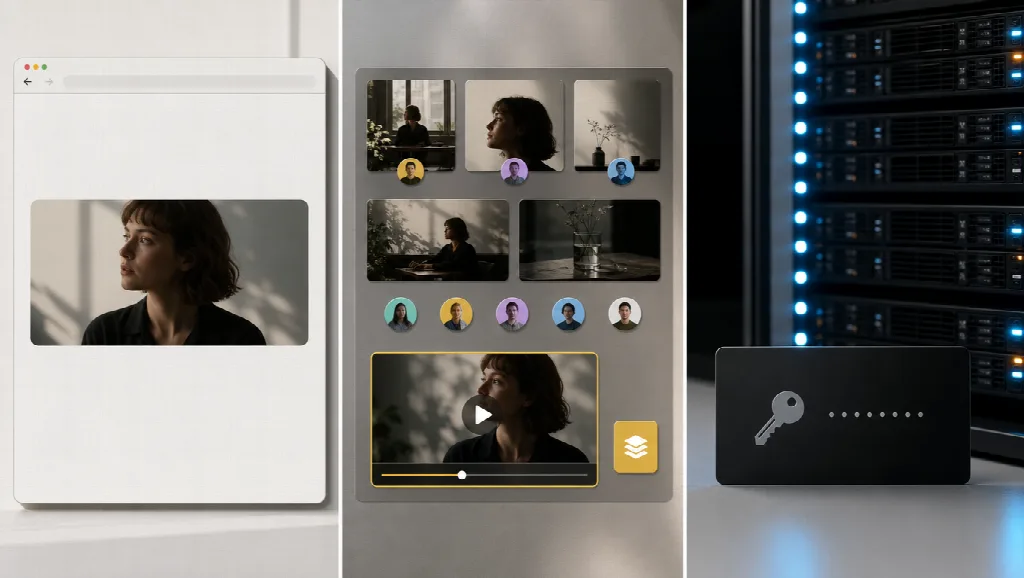
Seedance 2.5 is a long-beat, reference-heavy video model. The platform around it decides whether that power becomes a folder of demos or a repeatable production step.
For creators and teams who need the model inside a broader AI video workspace — Canvas, studios, assets, and ship habits — Topview is the first place to run it, starting from the Seedance 2.5 surface and keeping the take in the same project you will actually publish from.