Huge Update of ezTalks for Mac Version 3.5.0
ezTalks has published a new version for the desktop apps,whichis version 3.5.0. The new update bringsa brand-new UI design and tons of new features for both Mac andWindowsapps.
Highlights of the new version forMac:
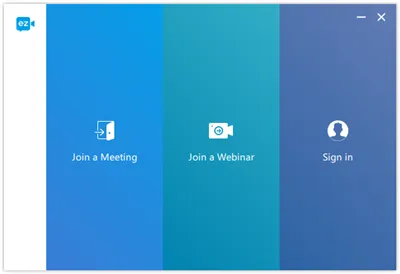
1.Brand-new UI design. The new version has been redesigned with a completely new look,which is more intuitive and easier for users to explore. The new design has been applied to all ezTalks apps,including Windows,iOS and Android.
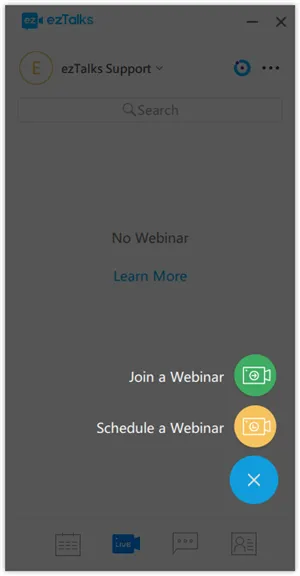
2.Add Webinar feature. Users can host a webinar,view scheduled webinars or join a webinar through the ezTalks app.
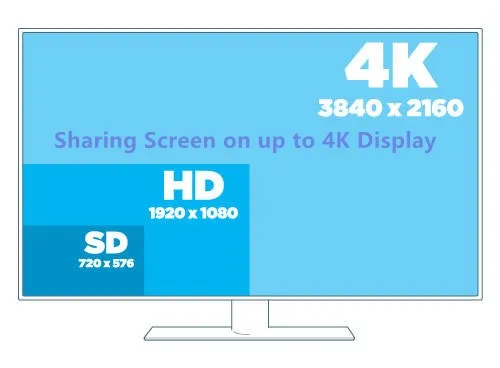
3.Allow screen sharing and recording on displays with up to 4K resolution.Users can share screen and recording on a computer with more than 1080p resolution.You can even share screen and record on displays with up to 4K resolution.
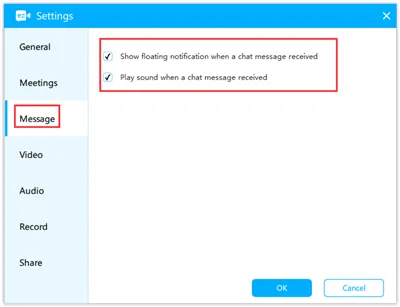
4.Add cloud recording feature in a webinar. After the webinar ends,the host can view the recordings on ezTalks website.5.Add chat message reminder.When your contacts send you instant messages,it will show afloating notification with sound.
6. Optimized the shortcut entry of meetings and the page of contact details.
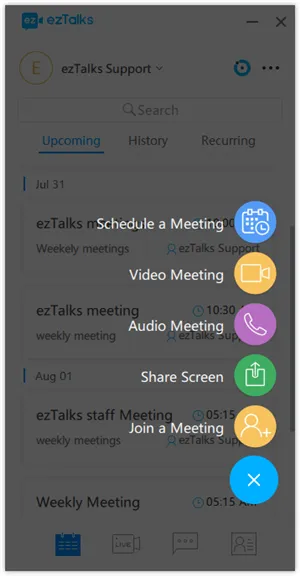
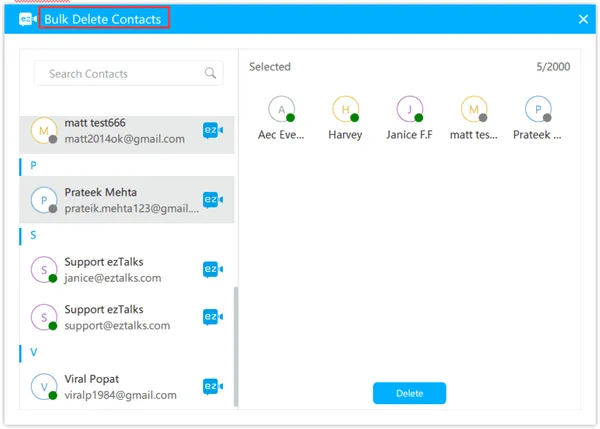
7. Optimize thewhiteboardtoolbar and add text annotation feature on the whiteboard. Texting on the whiteboard is now availableon all ezTalks app now.8. Add the feature of bulk deleting contacts:
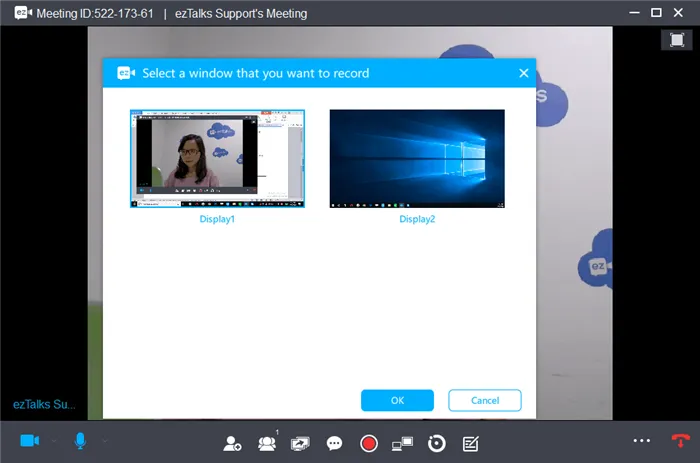
9. Add the feature of recording the extended display. Users can choose to record either the main display or the extended display locally.
10.Remove presenter role in Meetings to allow any participants to share screen easily.There is no presenter role in the Meetings plan anymore. Any participant can share the screen,which makes collaboration more efficient for online meetings.Download theapp for Macand enjoy the new feature now!